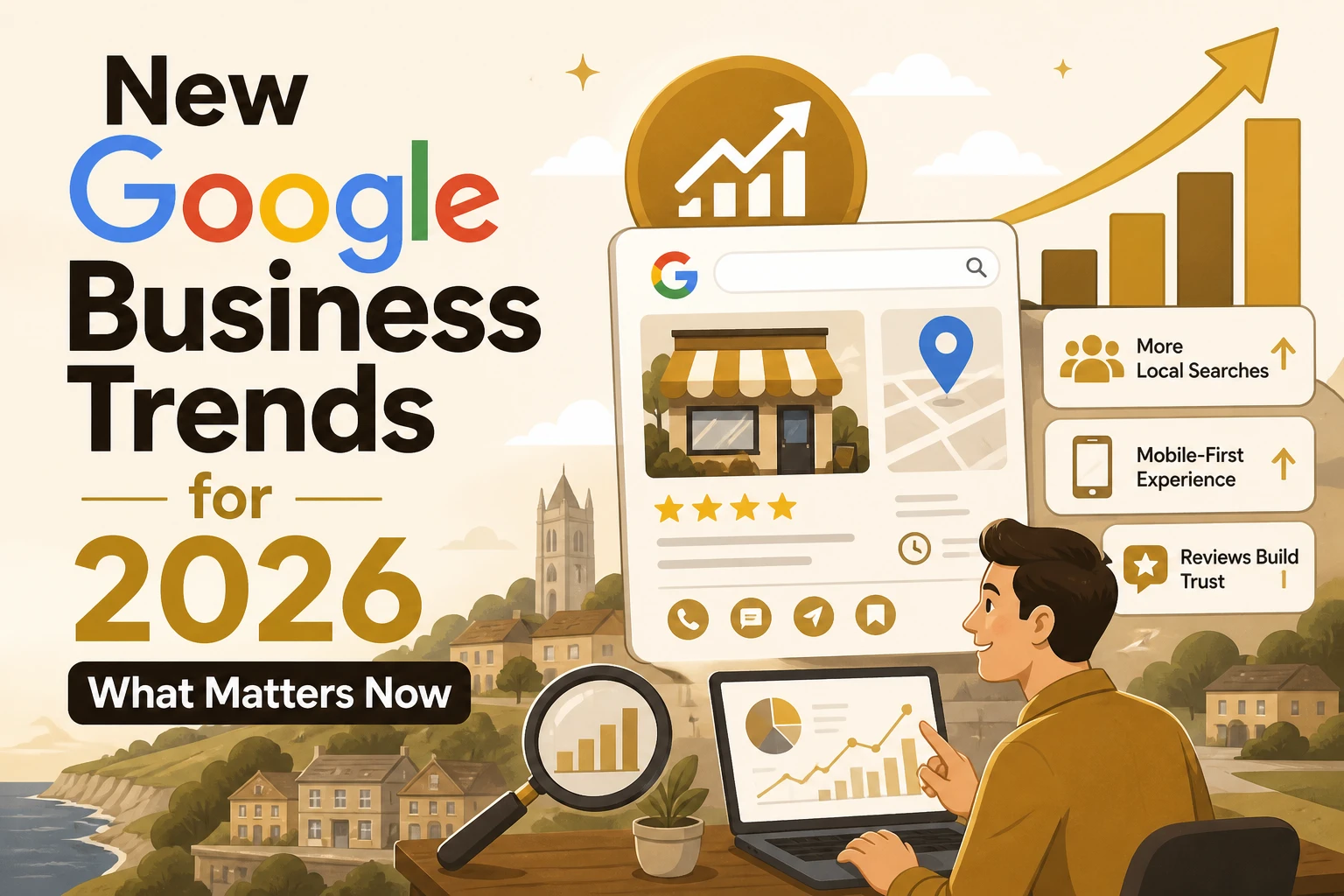
Quick Summary: Google’s 2026 review policies now strictly prohibit businesses from setting review targets, asking for specific content, or offering incentives. Fake or policy-violating reviews are aggressively removed, making honest, neutral requests essential. Businesses should focus on genuine customer feedback, keep their profiles accurate, and avoid old review tactics to protect their visibility and trust.
Google’s 2026 review changes are already shifting what UK firms can safely ask for on a Google Business Profile. A sloppy review push can cost you reviews, trigger filtering, and weaken your Google Business Profile in Maps when buyers are ready to call. I track local search changes closely, and this piece focuses on what Google seems to enforce now, plus the practical steps to protect your Google Business Profile.
What Google Changed in 2026 and Why It Matters
The two review practices Google now flags
Google made two points much clearer in 2026. You cannot set staff review quotas, and you cannot ask customers to include specific content like an employee name in their review, as shown in Google’s Maps policy.
- No targets like “get 5 reviews this week”
- No scripts like “please mention Dave by name”
- No rewards, discounts, or freebies for reviews
Google still allows you to ask for a review. It does not allow you to shape the words or pressure the outcome.
Why this hits local businesses hard
This matters because Google is enforcing review quality more aggressively. In 2025, Google says it blocked or removed over 292 million policy-violating reviews on Maps, and new protections now pause reviews on suspicious profiles and warn owners by email, according to Google’s April 2026 update.
- Fewer reviews can mean less trust
- Lost reviews can hurt calls and walk-ins
- Old “review tactics” now carry real risk
Also Read: https://webdon.co.uk/about.html
What to Stop Doing on Your Google Business Profile Right Now
Safer ways to ask for reviews
Ask every real customer the same way, after the job or visit ends. Google says merchants can request honest reviews, but not shape the rating or wording in the Maps content policy.
- Send a plain SMS or email
- Ask for honest feedback
- Use the same message for everyone
Keep it neutral. No pressure, no scripts, no rewards.

Common review mistakes to avoid
Stop doing these now:
- Offering discounts, freebies, or refunds for reviews
- Asking only happy customers
- Telling people to mention a staff member by name
- Running staff review quotas
- Pushing reviews while customers are still on site
Google also said in April 2026 it may pause new reviews and show alerts when spam patterns appear on profiles in its Maps safety update.
| Stop | Do instead |
|---|---|
| Incentives | Neutral ask |
| Review gating | Ask everyone |
| Staff-name prompts | Open-ended request |
What this means for Dorset and other local service businesses
For plumbers, cleaners, cafés, salons, and market traders, old review hacks now carry more risk. If you rely on local calls and walk-ins, clean up your process fast. A simple, fair review ask is safer than chasing five-star volume.
Also Read: https://webdon.co.uk/contact.html
How to Protect and Improve Your Profile After the Update
Keep your profile tight. Google says your name, address, hours, category, and service area must match the real business and stay consistent across your branding and listing Google’s business guidelines. Check these first:
- business name
- opening hours
- phone number
- service area
- main category
If you have changed premises, hours, or services, update Google first, then your website.
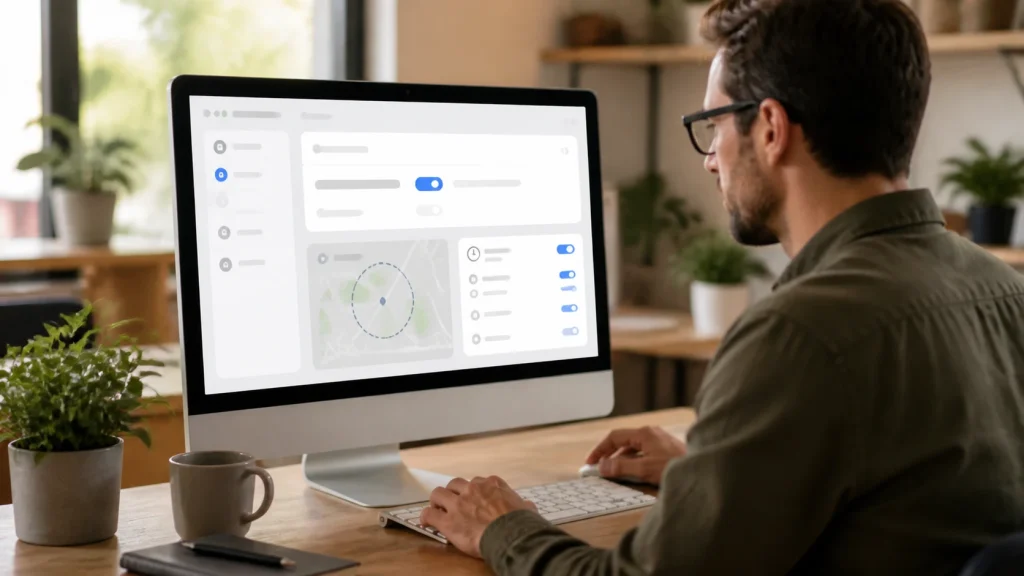
Make review replies earn trust. Google says replies are reviewed before posting and must follow policy Google review help.
- Reply fast
- Thank the customer
- Mention the job or visit
- Avoid salesy language
- Flag policy-breaking reviews instead of arguing
Use the profile to help people act. Add clear services, booking options, and fresh photos so more searchers call, message, or visit, not just see your ranking.
Also Read: https://webdon.co.uk/blog.html
Why Google Is Tightening the Rules
Google is pushing hard for real, unbiased reviews because fake ratings hurt both shoppers and honest local firms. In its 2026 Maps update, Google said users posted over 1 billion reviews in 2025, while its systems blocked or removed 292 million policy-breaking reviews and 13 million fake Business Profiles according to Google. Google’s own Business Profile help page also says reviews must break policy before removal, not just because a business dislikes them see Google’s guidance. > That tells you the goal is trust, not softer moderation.
Need a website that supports your Google Business visibility in 2026? WebDon builds affordable, fast-launch sites made to help local customers find and trust you.
Frequently Asked Questions
Q1: Top Google Business optimisers in Dorset?
Start with firms that build for local search, not just pretty pages. WebDon fits small Dorset firms well because it pairs fast website launches with local visibility. Also compare service scope, review support, and GBP upkeep before choosing.
Q2: Can Google remove old reviews in 2026?
Yes, if they break policy or look fake, copied, paid, or off-topic. Age does not protect a review. Keep records of real jobs, invoices, and messages so you can challenge removals or report suspicious reviews fast.
Q3: What should I do if reviews suddenly disappear?
Check your Google Business Profile status first. Then review recent customer activity, policy risks, and duplicate listings. Ask real customers to avoid vague, one-line spammy posts. If needed, document the drop and contact support with clear evidence.
Q4: Are review requests still safe for small businesses?
Yes, if you ask all customers fairly and do not offer rewards, pressure, or filters. Use simple timing: after the job, sale, or visit. Ask once, make it easy, and never steer only happy customers to Google.
Conclusion
Google now expects real, unguided reviews and tougher enforcement. UK firms should avoid incentives, quotas, and scripted asks, while watching for policy breaches flagged by Google Business Profile rules and the CMA’s 2025 action.